


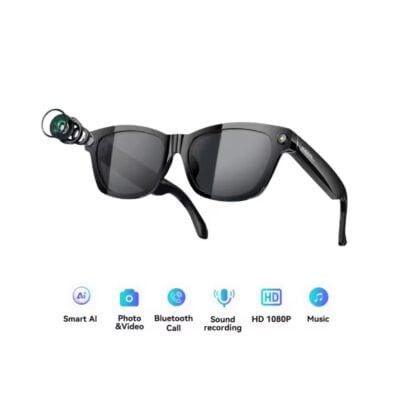
The Blackview BV100 stands out for its 8 MP camera with 1200P video, its Multimodal AI and dual connectivity for fast and seamless tasks. Thanks to its lightweight design and open-ear speakers, you can listen, record, and translate without sacrificing comfort. Visual recognition and the "Hey Cyan" command add useful features for any professional or personal situation.
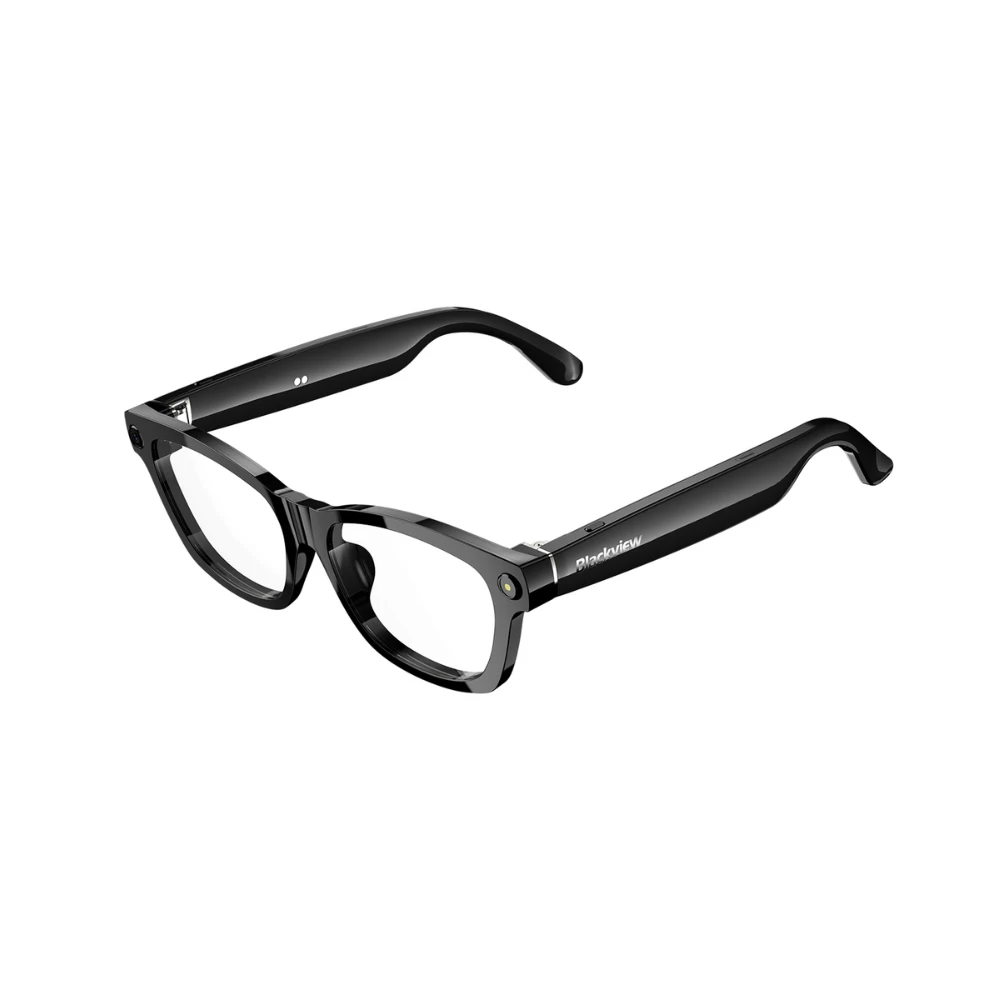
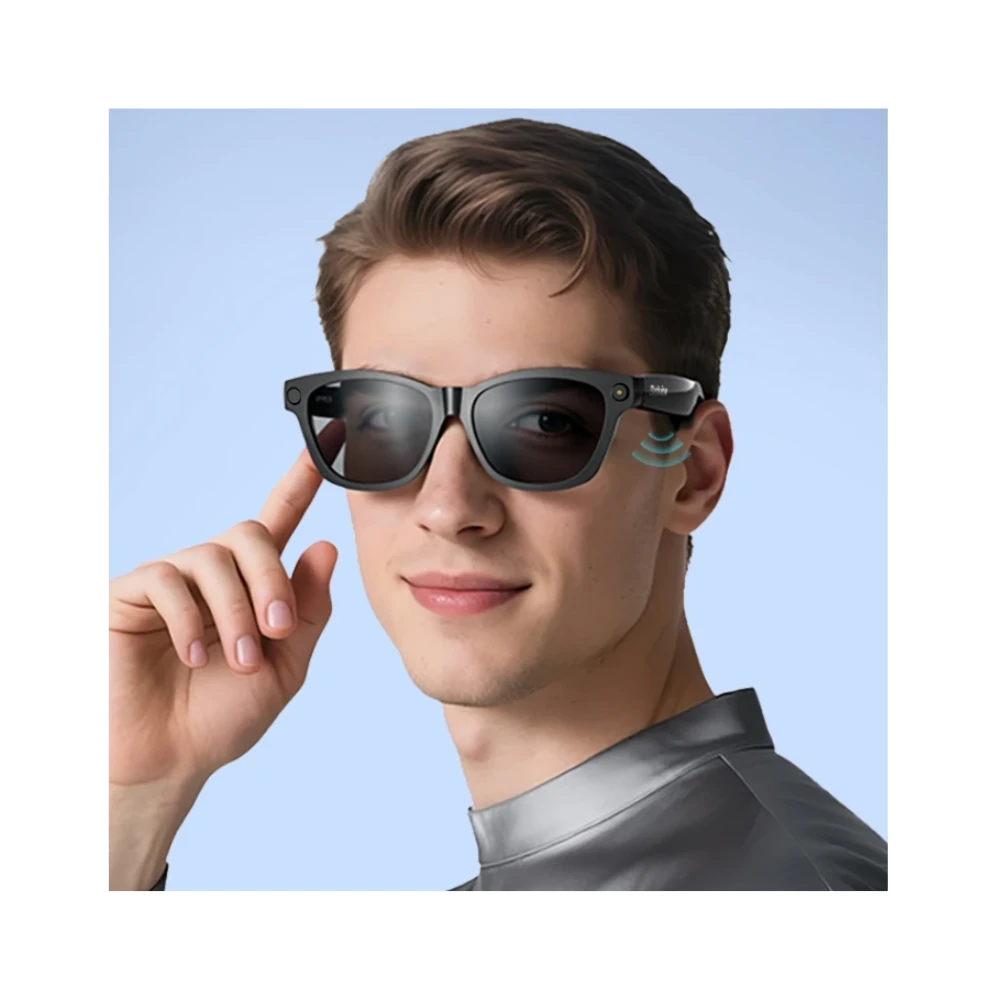
The Glasses Blackview BV100 They're much more than just glasses: they're your smart assistant for everyday life. Thanks to their integrated AI technology, They combine a lightweight and modern design with smart features that make your routine easier, whether you're working, getting around town, or enjoying a connected experience without taking your phone out of your pocket.
Designed to offer all-day comfort, The BV100 series stands out for its intuitive operation, advanced connectivity, and practical approach that perfectly complements today's digital lifestyle. Ideal for those seeking innovation, functionality, and a futuristic touch in a single device.
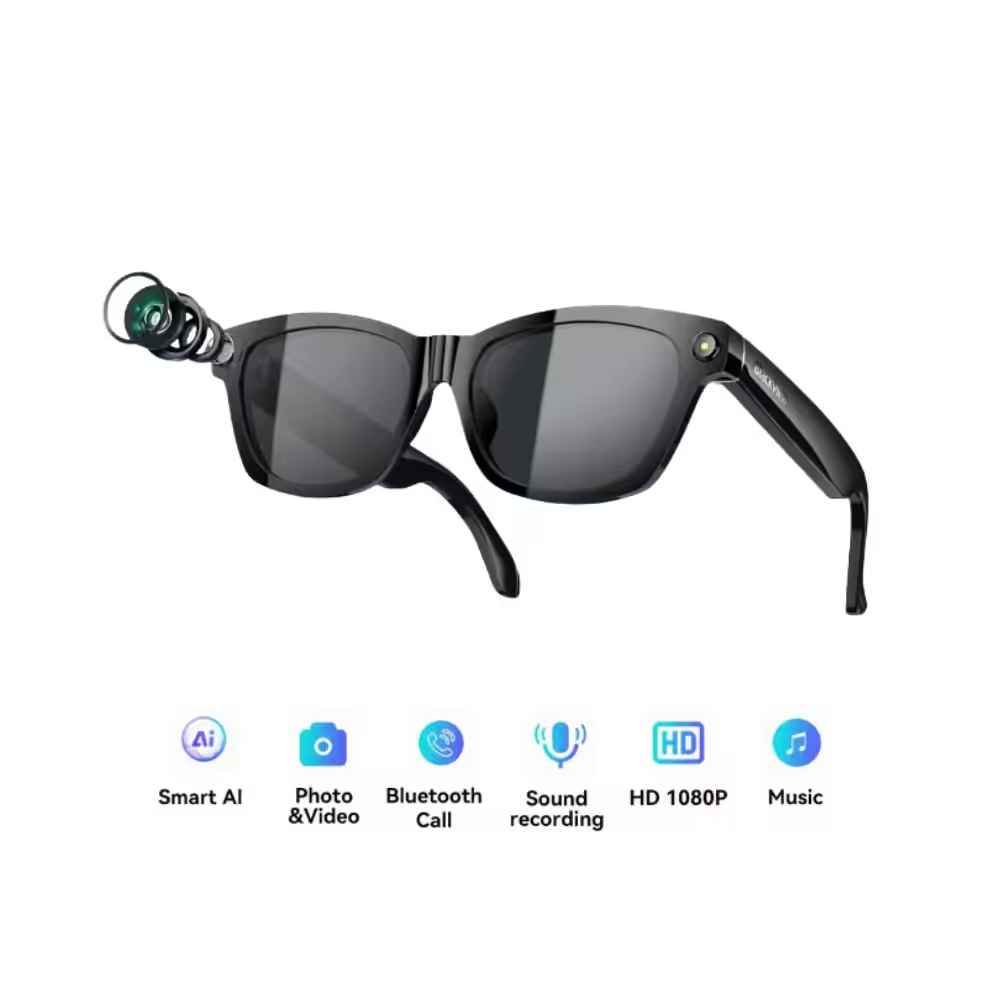
One-touch activation with your fingers: Simply tap with your finger to easily activate the AI voice assistant and unlock features such as listening to music, making calls, recording videos, and taking photos.
800W high-definition camera, 2K HD image capture, supports 1200P video recording and features a built-in anti-shake algorithm. AI automatically optimizes image quality (such as darkening and background blur). Multi-frame noise reduction and HDR synthesis. Automatically captures and syncs with your mobile device.
* Press and hold the right button for 3 seconds to turn on (Bluetooth reconnection successful)
| Brand | Blackview |
|---|---|
| Model | BV100 |
| Guy | Smart glasses with AI recognition |
| CPU | JL7018F + Allwinner V821 |
| Internal memory | 32GB Flash + 512KB SRAM + 64KB ROM |
| Bluetooth | 5.4 |
| Connectivity | Bluetooth + WiFi Dual Mode |
| Battery | 220 mAh |
| Approximate autonomy | 5 hours of audio |
| Audio | Dual open-ear hi-fi speakers |
| Microphones | Dual mic with noise reduction and ENC technology |
| Camera | 8 MP 800w High-definition |
| Video | 1200P Recording |
| WiFi | Dual |
| AI Functions | ChatGPT-type models, visual analysis, transcription, “Hey Cyan”
AI Image + Voice Broadcasting Multi-mode AI dialogue AI Voice Office Assistant AI Intelligent Voice Chat Intelligent ENC Noise Cancellation |
| Indicators | Green/orange LED light |
| Buttons | 1 button per temple |
| Translation | An app must be installed to be able to translate with the BV100 |
| Burden | Dual magnetic port, magnetic Type-C |
| Dimensions | 150 × 49 × 40 mm |
| Weight | 45.7 g |
| Protection | Not officially specified |
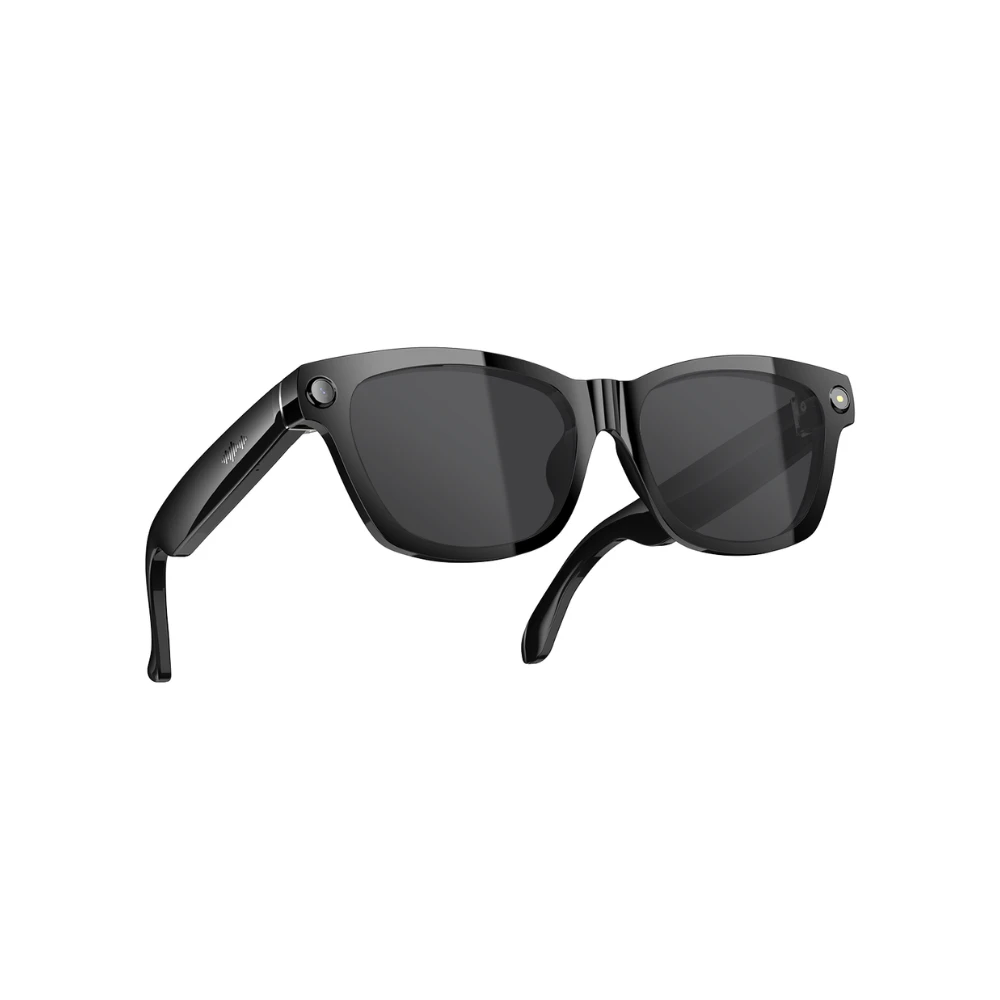
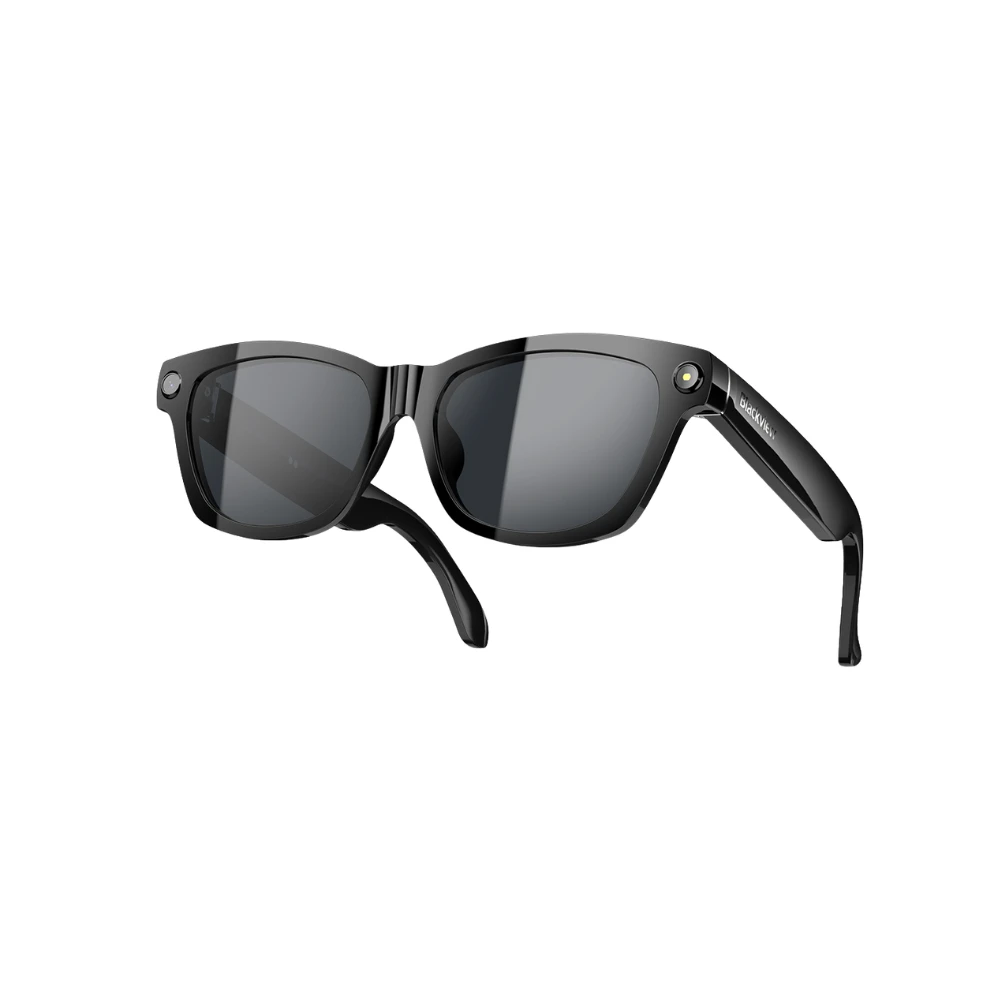
| Colors | Photochromic Anti Blue Light / Polarized Sunglasses |
| Package contents | BV100 glasses, magnetic cable, glasses cleaning cloth, manual. (Charger not included) |
[su_youtube url="https://www.youtube.com/watch?v=974iDHlWL9w"]
| Weight | 0.47 kg |
|---|---|
| Guy | Polarized, Blue Light Blocking |
Only logged in customers who have purchased this product may leave a review.






Reviews
There are no reviews yet.