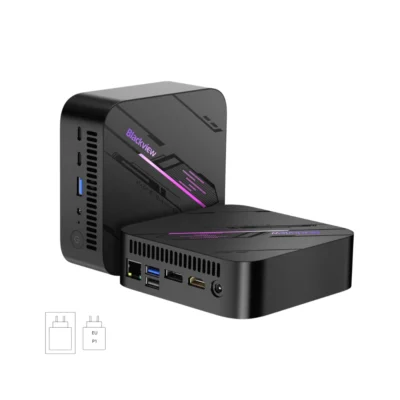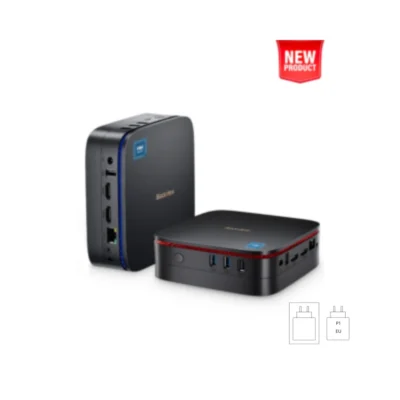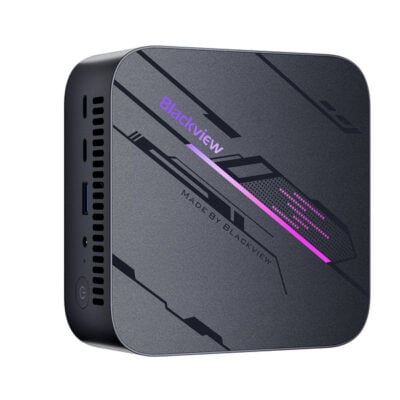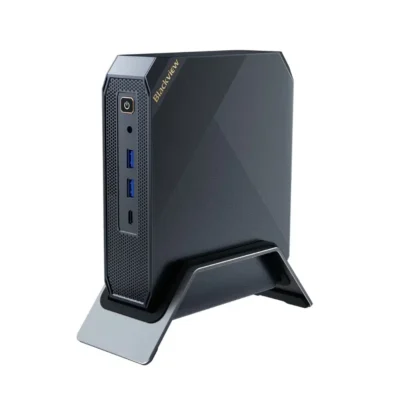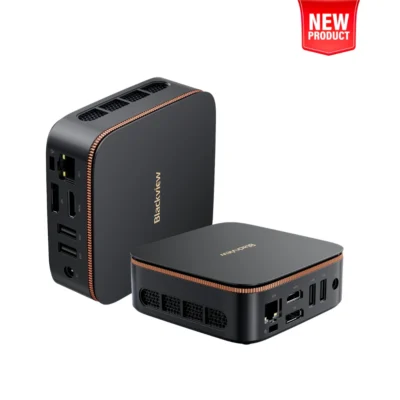


Intel® Twin Lake N150
8GB/16GB + 256GB/512GB ROM (Up to 2TB)
Intel UHD 4K Graphics
Windows 11 Pro Preinstalled
Dimensions 100*100*35.2 mm
Dual-band WiFi 6 & Wireless BT 5.2
The Blackview MP20 is a small and powerful Mini PC designed to deliver exceptional performance, whether you're working on home office, travel or home entertainment. It stands out for its Intel® Twin Lake N150 processor, Bluetooth 5.2, and Wi-Fi 6.0. It's also available in two different capacities that you can choose according to your needs and produces low energy consumption, helping to reduce your carbon footprint and saving on electricity costs in the long run.
IMPORTANT:
This Mini PC comes with Windows 11 Student pre-installed. If you have an account, please enter it when prompted. If you don't have a Student account, to avoid reformatting or reinstalling Windows, we recommend starting the settings WITH THE ETHERNET CABLE DISCONNECTED to allow a local account installation.
Otherwise, you'll need to reinstall Windows of your choice, which you can download from the Microsoft website (and you may need generic drivers). To enter the BIOS, use the DEL key during boot.
|
General Characteristics |
|
| Model: | MP20 |
| Processor: | 13th Gen Intel® Twin Lake N150 |
| GPU: | Intel® Graphics |
| Display: | 4K Dual Screen Display (4096*2160) |
| Dimensions: | 100*100*35.2 mm |
| Weight: | 265 g |
| Operating System: | Windows 11 Pro Preinstalled |
| Ability | |
| RAM: | 8 GB expandable up to 16 GB | 16 GB expandable up to 32 GB |
| ROM: | 256 GB | 512 GB |
| Expandable: | Yes - Expansion up to 2 TB |
| Processor speed: | 3.6 GHz |
| Other features: | |
| Number of USB 2.0 ports | 2 |
| Number of USB 3.0 ports | 2 |
| HDMI 2.0 port numbers | 1 |
| Memory type | 2666 MHz DDR4 |
| Number of processors | 4 |
| Chipset | Intel |
| LAN | Intel |
| Bluetooth | 10M / 100M / 1000M Adaptable |
| Wifi | 5.0 (IEEE 802.11 a/b/g/n/ac/ax) |
| Package contents | |
| Blackview MP20 | |
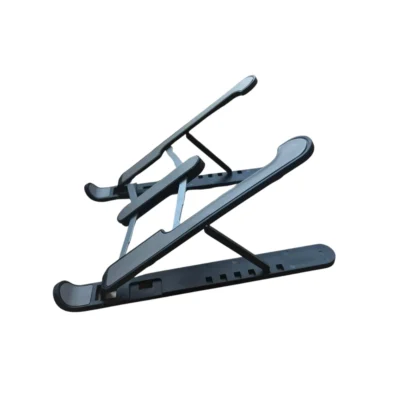
| Power cable + Support | |
| User Manual |
IMPORTANT:
This Mini PC comes with Windows 11 Student pre-installed. If you have an account, please enter it when prompted. If you don't have a Student account, to avoid reformatting or reinstalling Windows, we recommend starting the settings WITH THE ETHERNET CABLE DISCONNECTED to allow a local account installation.
Otherwise, you'll need to reinstall Windows of your choice, which you can download from the Microsoft website (and you may need generic drivers). To enter the BIOS, use the DEL key during boot.
| Weight | 0,3 kg |
|---|---|
| Select a COLOR | Black |
| Select CAPACITY | 16GB RAM 512GB ROM, 8GB RAM 256GB ROM |