

Subtotal: 19,99 €
SHIPPING STARTS 15/09/2026
SPECIAL PRE-ORDER PRICE WITH LATER SHIPPING DATE. NOT AVAILABLE FOR SHIPPING BEFORE THE INDICATED DATE WITH ANY SHIPPING METHOD.
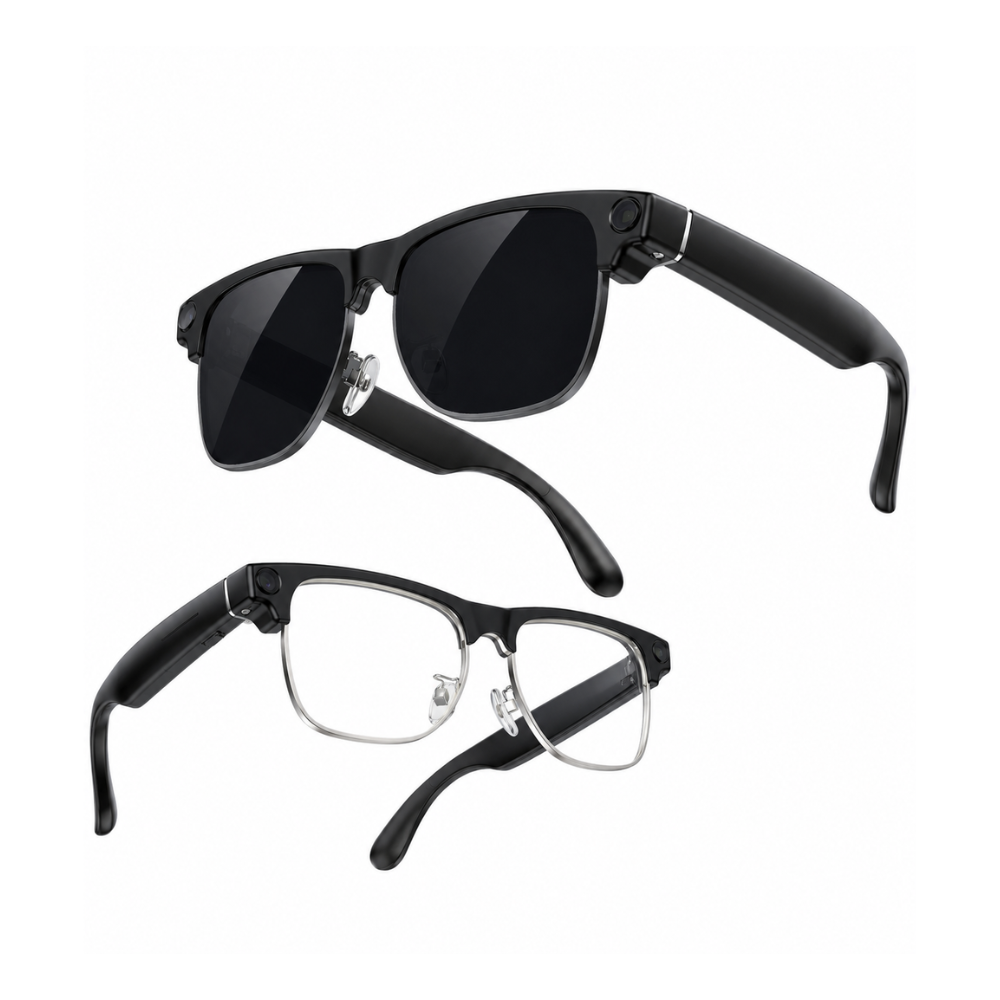
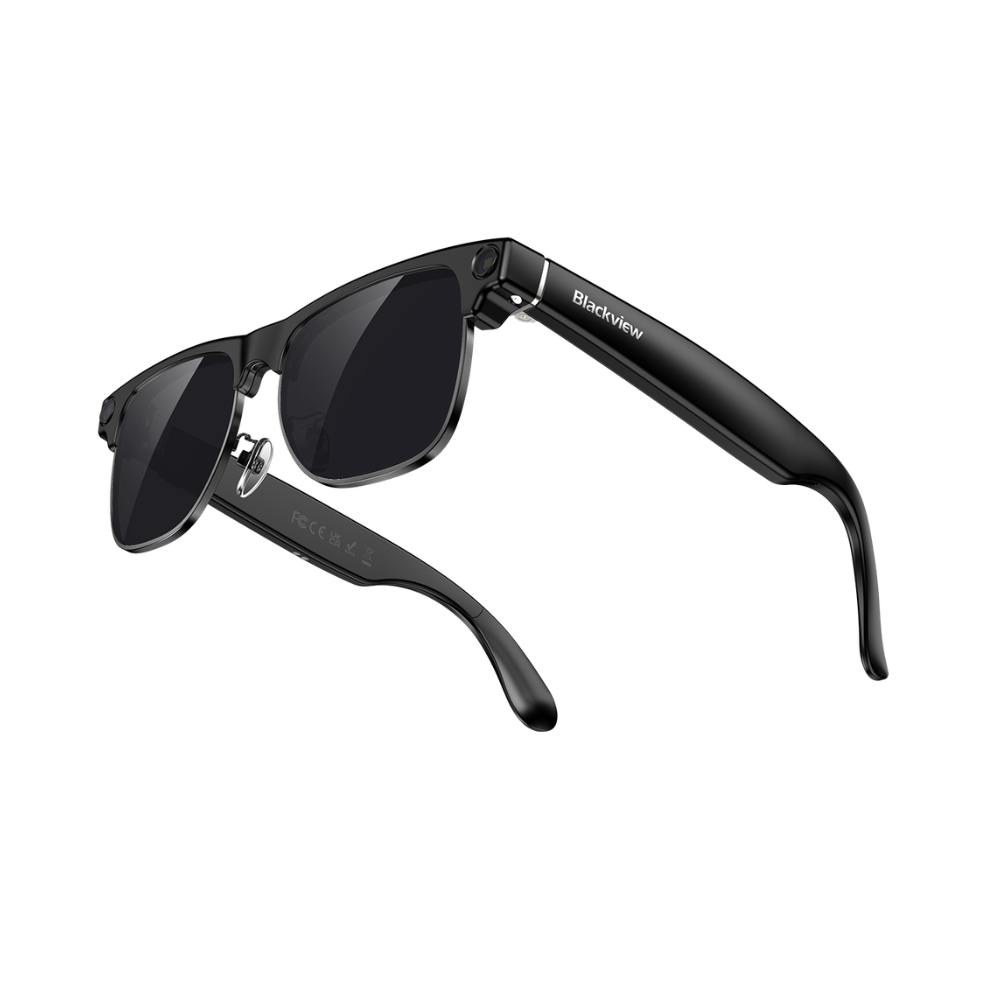
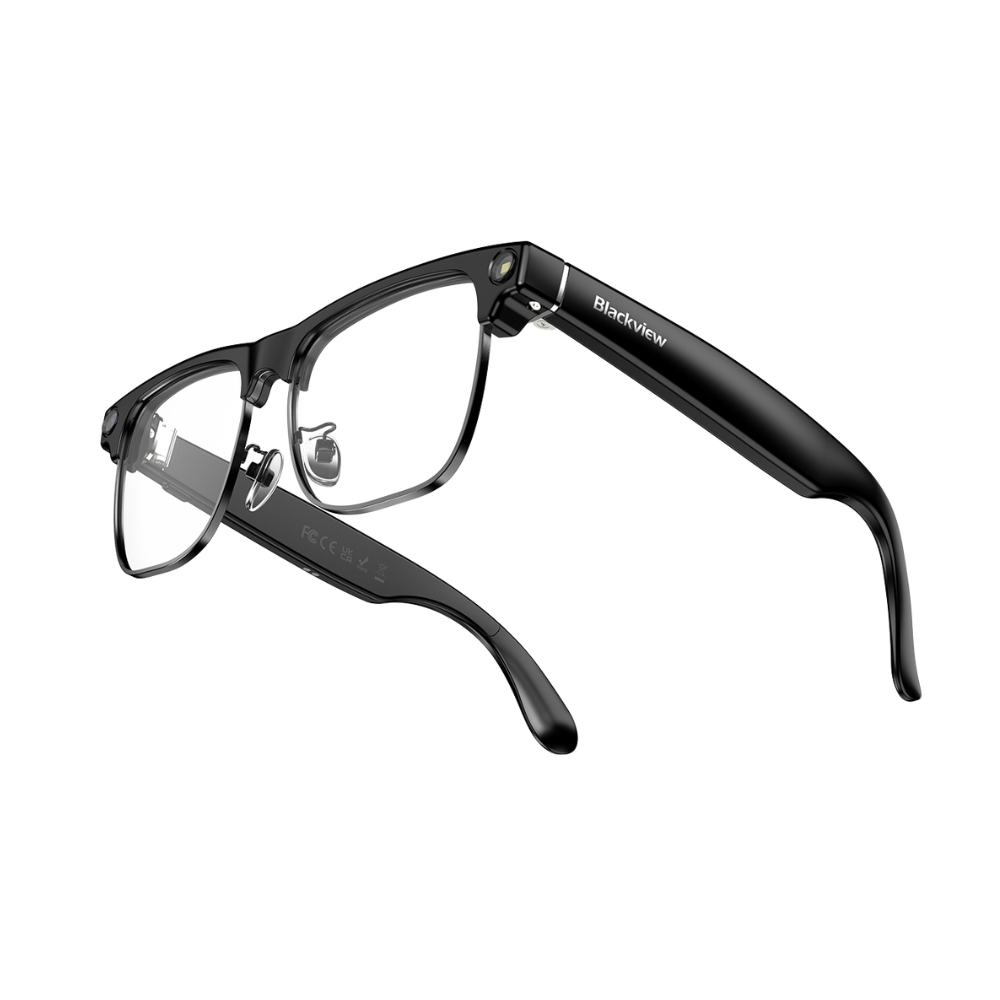
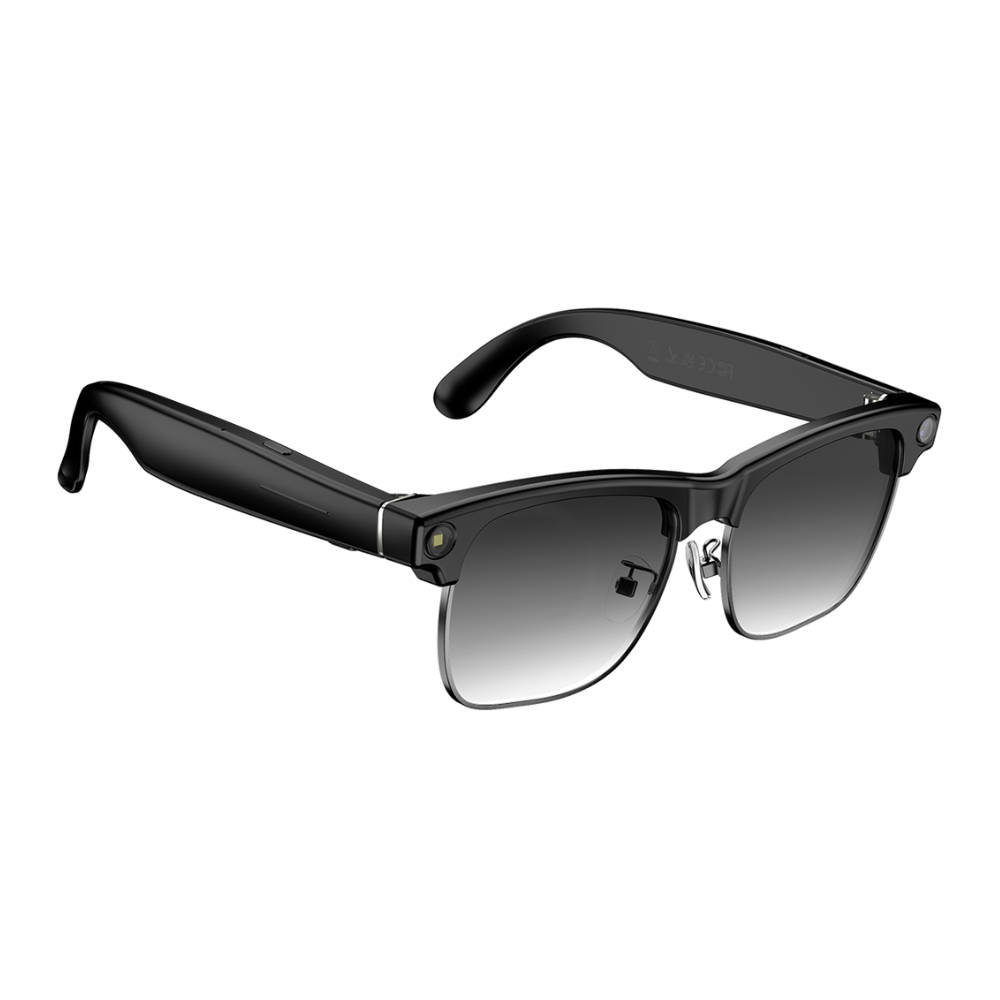
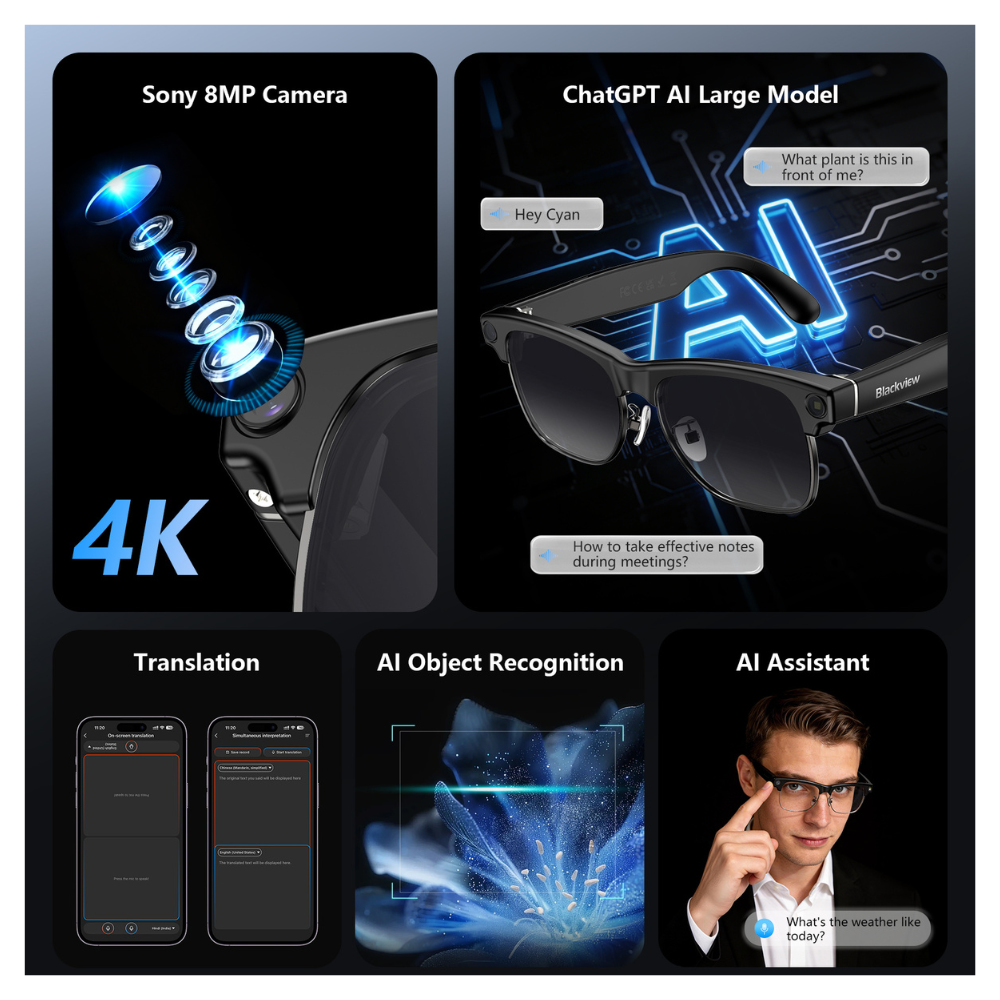
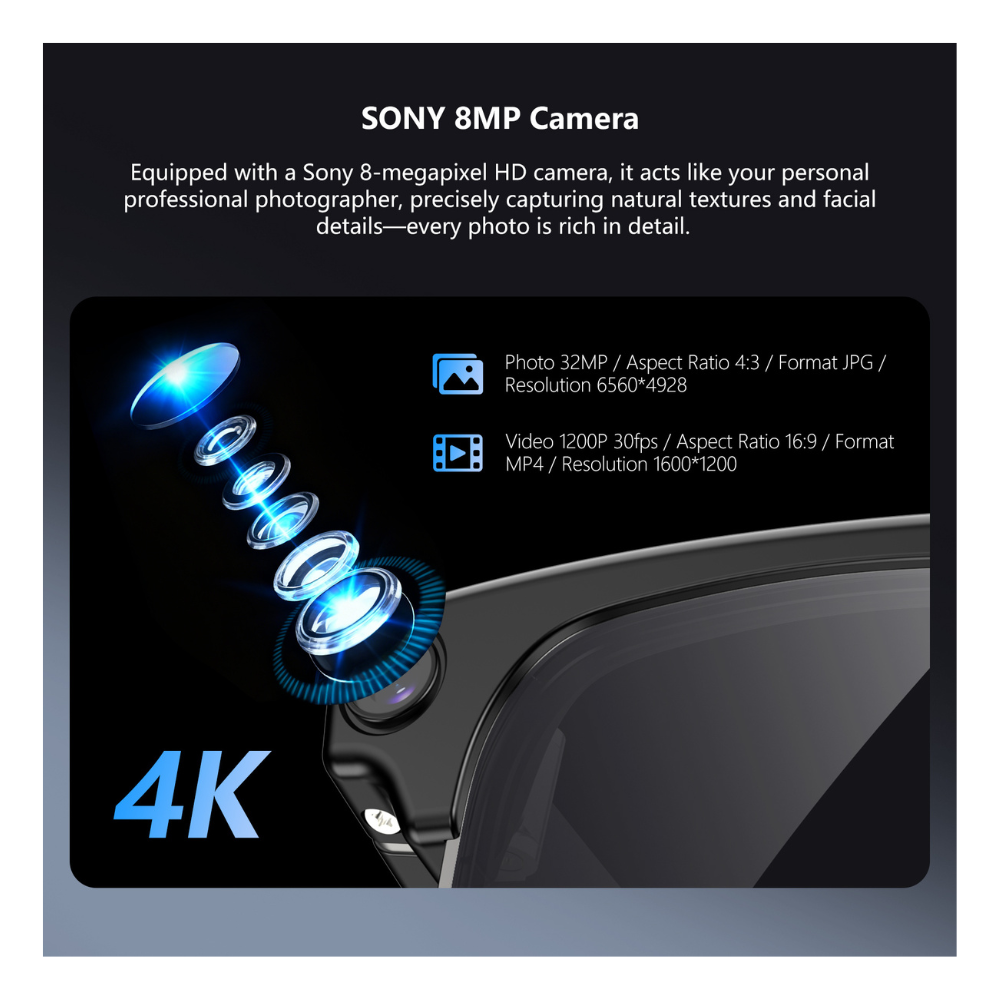
The Blackview BV200 stands out for its 8MP Sony camera with 1200P 4K video, its multimodal AI, and dual connectivity designed for fast and seamless tasks. Thanks to its lightweight design and open-ear speakers, you can listen, record, and translate without sacrificing comfort. Eye recognition and the "Hey Cyan" command provide practical tools for any professional or personal situation.


SHIPPING STARTS 15/09/2026
SPECIAL PRE-ORDER PRICE WITH LATER SHIPPING DATE. NOT AVAILABLE FOR SHIPPING BEFORE THE INDICATED DATE WITH ANY SHIPPING METHOD.
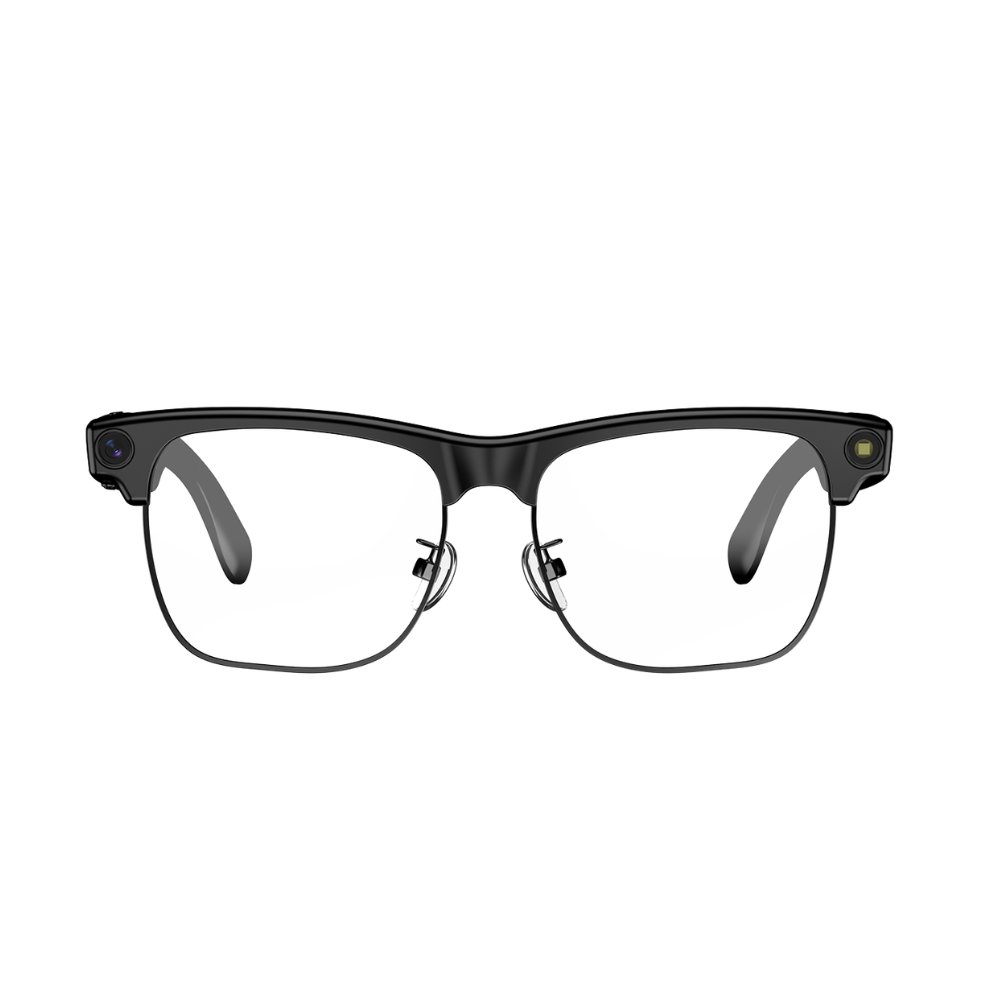
The Blackview BV200 are a glasses smart AI-powered devices designed for approach the technology of the future today same. Equipped with Bluetooth 6.0 connectivity, these glasses guarantee a transfer stable and fast, while voice recognition and their intelligent commands speed up tasks such as translations, transcriptions, and hands-free capture.
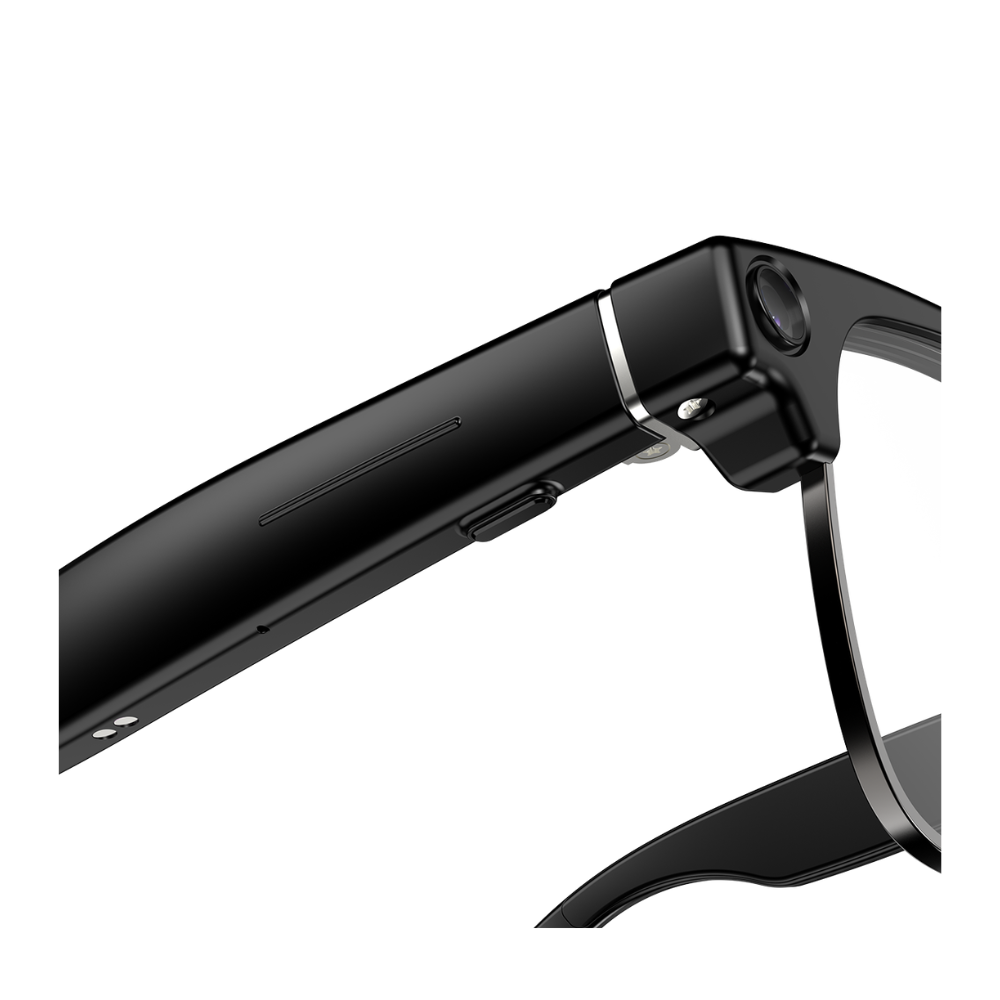
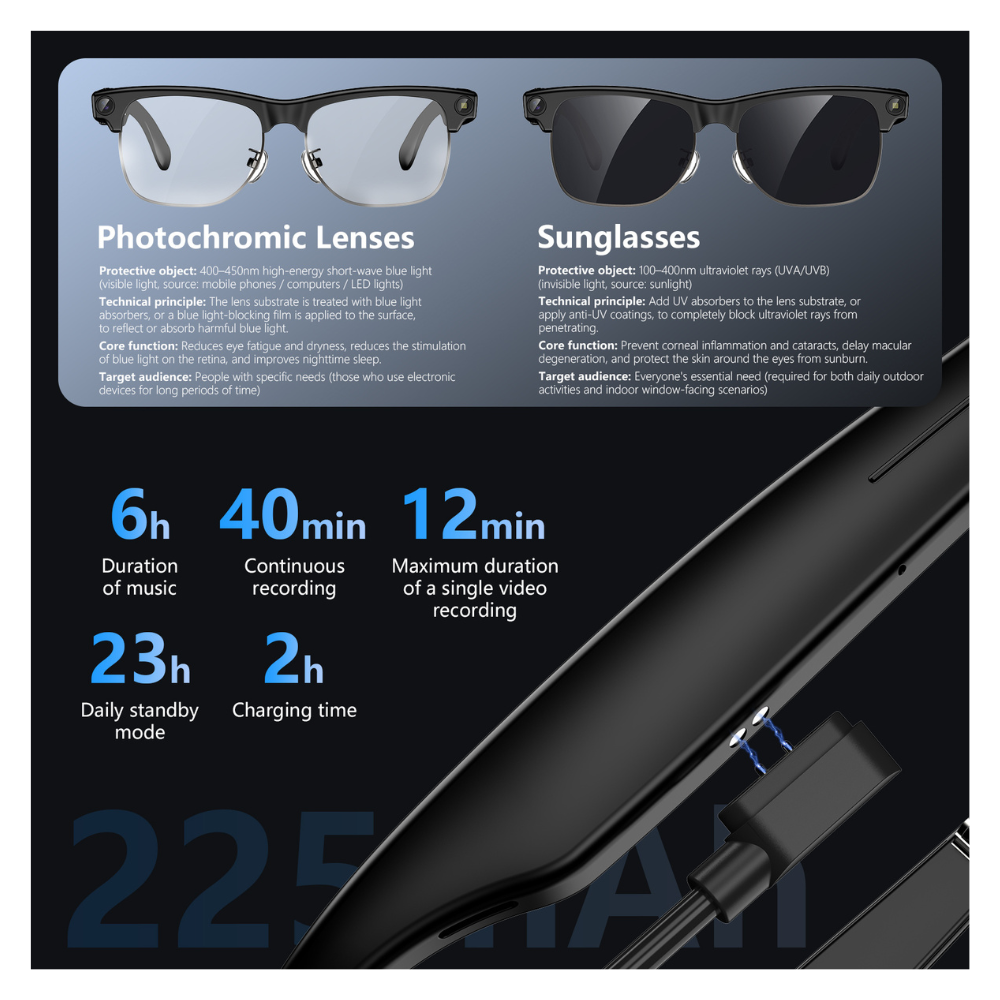
They integrate a camera Sony 8 MP with 1200p 4k video recording that lets you It gives the option of immortalizing photos and videos directly from your eyes with total comfort. Its lightweight structure and ergonomic, with a weight of barely ≈45.7 g, get that are comfortable for all day, while the high-fidelity open-ear speakers and microphones with cancellation ENC noise reduction provides clear and natural audio for calls and orders voice. The 225 mAh battery provides hours audio playback, and thanks to magnetic fast charging, you'll be using them again in a short time.
One-touch activation with your fingers: Simply tap with your finger to easily activate the AI voice assistant and unlock features such as listening to music, making calls, recording videos, and taking photos.
180W high-definition camera, captures 4K HD images, supports 1200P video recording, and features a built-in anti-shake algorithm. AI automatically optimizes image quality (such as darkening and background blurring). Multi-frame noise reduction and HDR synthesis. Automatically captures and syncs with your mobile device.
* Press and hold the right button for 2 seconds to turn on (Bluetooth reconnection successful)
*The glasses have IP54 protection, offering resistance to dust and splashes of fresh water during everyday use. However, we recommend avoiding direct or prolonged contact with water, especially around the speaker area, to prevent potential damage.
This product is not submersible and its resistance applies only to splashes of fresh water. Avoid contact with salt water, chlorinated water, soap, detergents, or other liquids.
| Brand | Blackview |
|---|---|
| Model | BV200 |
| Guy | Smart glasses with AI recognition |
| CPU | JL7018F + Allwinner V821 |
| Internal memory | 32GB |
| Bluetooth | 6.0 |
| Battery | 225 mAh |
| Approximate autonomy | 6 hours of audio |
| Audio | Dual open-ear hi-fi speakers |
| Microphones | Dual microphone with noise reduction and ENC technology |
| Camera | SONY 8 MP HD Camera 800W
Resolution 1600*1200 |
| Video | 1200P 4K Recording |
| WiFi | Data transfer 20-40 Mbps |
| AI Functions | ChatGPT-type models, visual analysis, transcription, “Hey Cyan”
AI Image + Voice Broadcasting Multi-mode AI dialogue AI Voice Office Assistant AI Intelligent Voice Chat Intelligent ENC Noise Cancellation Anti-shake function Transfer photos and videos over Wi-Fi Real-time conversation with AI Water splash resistant |
| Indicators | Blue/Red LED Light |
| Buttons | 1 button per temple |
| Translation | An app must be installed to be able to translate with the BV200 |
| Burden | Dual magnetic port, magnetic Type-C |
| Dimensions | 147 mm × 44 mm × 40.5 mm |
| Weight | 43.8 g |
| Protection | Not officially specified |
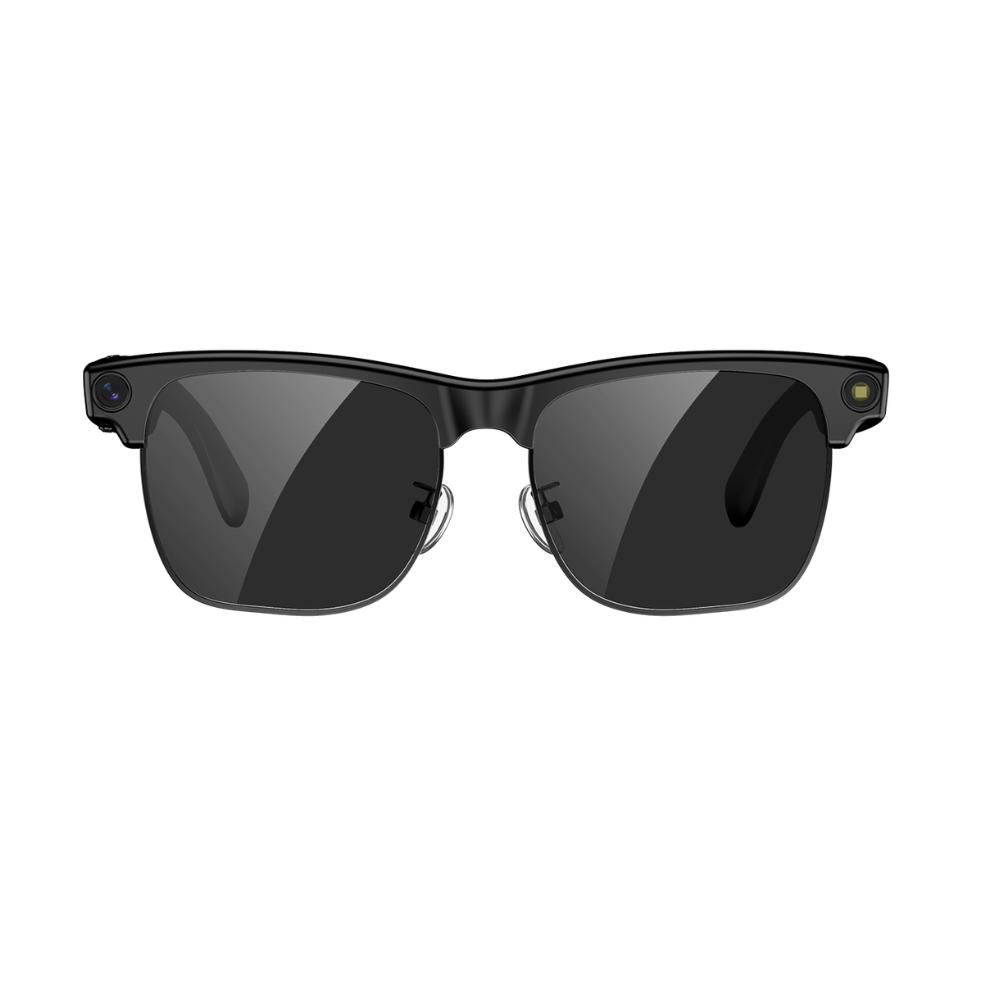
| Colors | Photochromic Sunglasses |
| Package contents | B200 glasses, magnetic charging cable, glasses cleaning cloth, manual. (No plug) |
| Weight | 0,438 kg |
|---|---|
| Dimensions | 10 × 10 × 10 cm |
| Guy | Sunglasses, Photochromic lenses |
Only logged in customers who have purchased this product may leave a review.



Reviews
There are no reviews yet.